

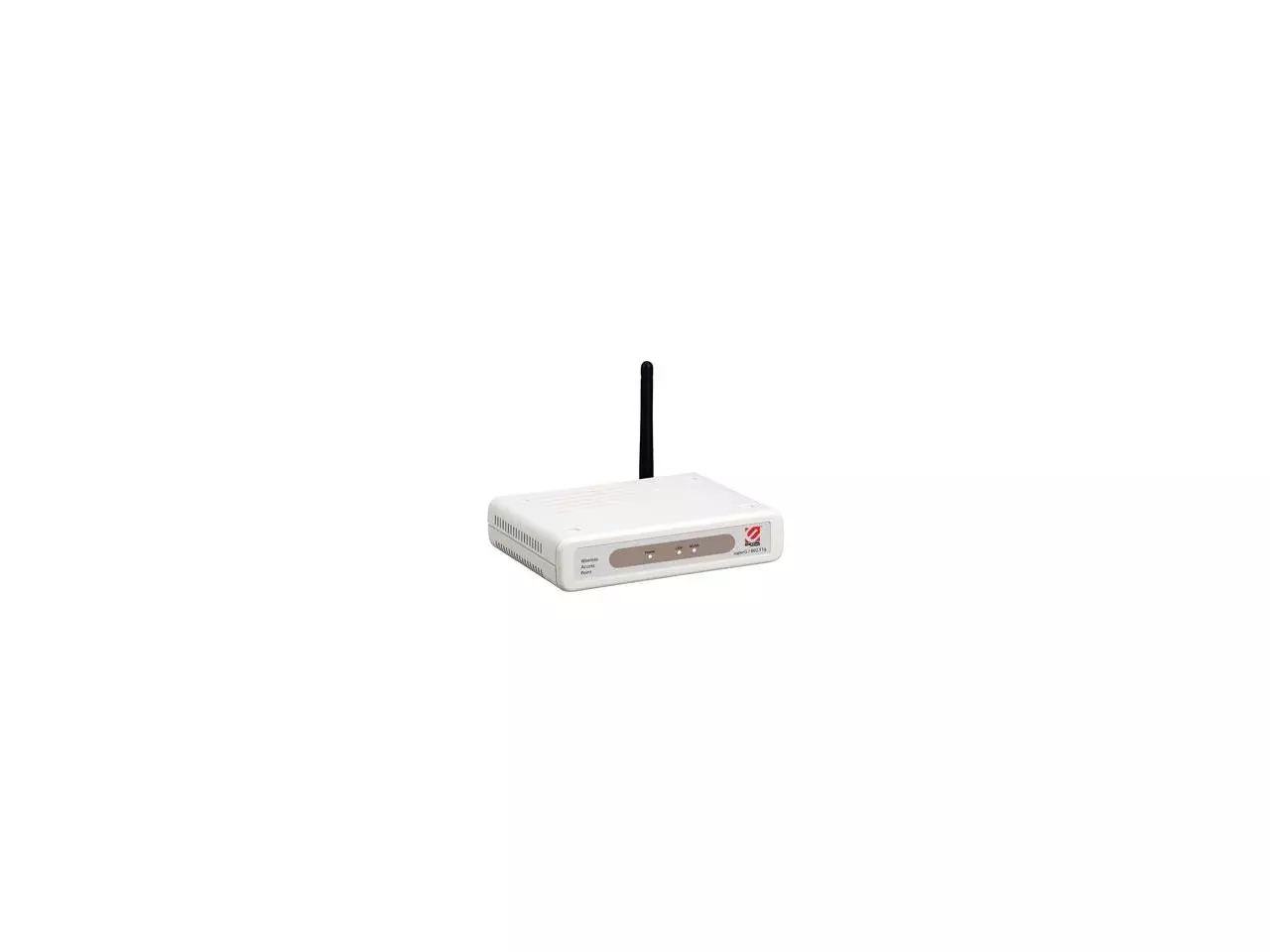
Encore ENRXWI-SG (802.11g) 108Mbps Wireless LAN Extender
- Features 3 Operation Modes: Extender (or Repeater), Access Point and Access Point Client
- Increases the coverage area of Super-G or 802.11b/g wireless networks in Extender Mode without additional wiring
- Features strong wireless security: WEP, WPA, WPA-PSK, WPA2 and WPA-PSK2
- Features web-based configuration tool
- Backward compatible with 802.11b/g
Encore Super-G Wireless LAN Extender is a multifunctional wireless device. It functions in three modes: Extender*, Access Point and Access Point Client. The Extender mode offers a simple and cost-effective way to expand the coverage area of your Super-G wireless network. It operates at a blazing speed of up to 108 Mbps**.
Extender Mode
Place ENRXWI-SG within the range of your current wireless network. Subsequently, ENRXWI-SG can pickup signal from the wireless router (or access point) and transfer the signal further away than the original coverage area. You have thus effectively extended your wireless network without wiring or complicated configuration. Also, you can improve the reception at dead spots, areas characterized by poor signal quality, by placing ENRXWI-SG between the dead spots and the wireless router.
Access Point Mode
Connect ENRXWI-SG to your wired Ethernet router (using a RJ-45 cable). Configure ENRXWI-SG accordingly. Now, you have just upgraded your old wired router into a wireless Super-G router.
Access Point Client Mode
Connect ENRXWI-SG to the Ethernet port of you desktop or laptop computer (using a RJ-45 cable). Configure ENRXWI-SG accordingly. Now, you can use it like a Super-G wireless adapter enabling your computer to access wireless network.
Especificações
Especificações
Portas Externas
As imagens apresentadas são meramente ilustrativas e podem variar de acordo com o lote do fabricante.
Encore Super-G Wireless LAN Extender is a multifunctional wireless device. It functions in three modes: Extender*, Access Point and Access Point Client. The Extender mode offers a simple and cost-effective way to expand the coverage area of your Super-G wireless network. It operates at a blazing speed of up to 108 Mbps**.
Extender Mode
Place ENRXWI-SG within the range of your current wireless network. Subsequently, ENRXWI-SG can pickup signal from the wireless router (or access point) and transfer the signal further away than the original coverage area. You have thus effectively extended your wireless network without wiring or complicated configuration. Also, you can improve the reception at dead spots, areas characterized by poor signal quality, by placing ENRXWI-SG between the dead spots and the wireless router.
Access Point Mode
Connect ENRXWI-SG to your wired Ethernet router (using a RJ-45 cable). Configure ENRXWI-SG accordingly. Now, you have just upgraded your old wired router into a wireless Super-G router.
Access Point Client Mode
Connect ENRXWI-SG to the Ethernet port of you desktop or laptop computer (using a RJ-45 cable). Configure ENRXWI-SG accordingly. Now, you can use it like a Super-G wireless adapter enabling your computer to access wireless network.
Especificações
Especificações
Portas Externas
As imagens apresentadas são meramente ilustrativas e podem variar de acordo com o lote do fabricante.